
 Claude Team and Enterprise
An owner adds it once
Add it under Organization settings > Connectors. Members then connect their own accounts from Customize > Connectors.
Generate images, video and audio on your Moonlite Labs account without leaving the conversation.
Claude Moonlite Labs
It is also in your Moonlite Labs account menu under MCP.
https://mcp.moonlitelabs.com/mcpIn Claude desktop or claude.ai, open Customize > Connectors and select Add custom connector. Name it Moonlite Labs, paste the URL and select Add.
Open Claude connectorsSelect Connect, sign in to Moonlite Labs and select Approve. In a new chat, turn on Moonlite Labs from the + menu.
Works on every Claude plan. Anthropic's guide
It is also in your Moonlite Labs account menu under MCP.
https://mcp.moonlitelabs.com/mcpIn ChatGPT, open Settings > Plugins and select Add MCP server. Choose Streamable HTTP, paste the URL and name the server Moonlite Labs. If your account shows Apps instead, turn on developer mode under Advanced settings and select Create app.
Open ChatGPTSign in to Moonlite Labs and select Approve. In a new chat, choose Moonlite Labs from the + menu.
Depends on your account and workspace permissions. OpenAI's guide
Claude Team and EnterpriseAdd it under Organization settings > Connectors. Members then connect their own accounts from Customize > Connectors.
 ChatGPT Business and Enterprise
An admin may need to allow developer mode first. Members then sign in with their own accounts.
Moonlite Labs includes unlimited team members.
Create images, videos, music, and sound effects directly within Claude or ChatGPT, without switching tools.
Use existing conversations, creative briefs, and references without repeatedly providing instructions.
Describe your requirements in natural language while the AI assistant handles prompting and model selection.
Generate multiple creative assets simultaneously through a single request.
Compare model costs, estimate credit usage upfront, and select the most cost‑effective options for each task.
A phone photo of the bottle and a one-line brief for a 12-second commercial.
Nano Banana Pro turns the real bottle into four campaign stills.
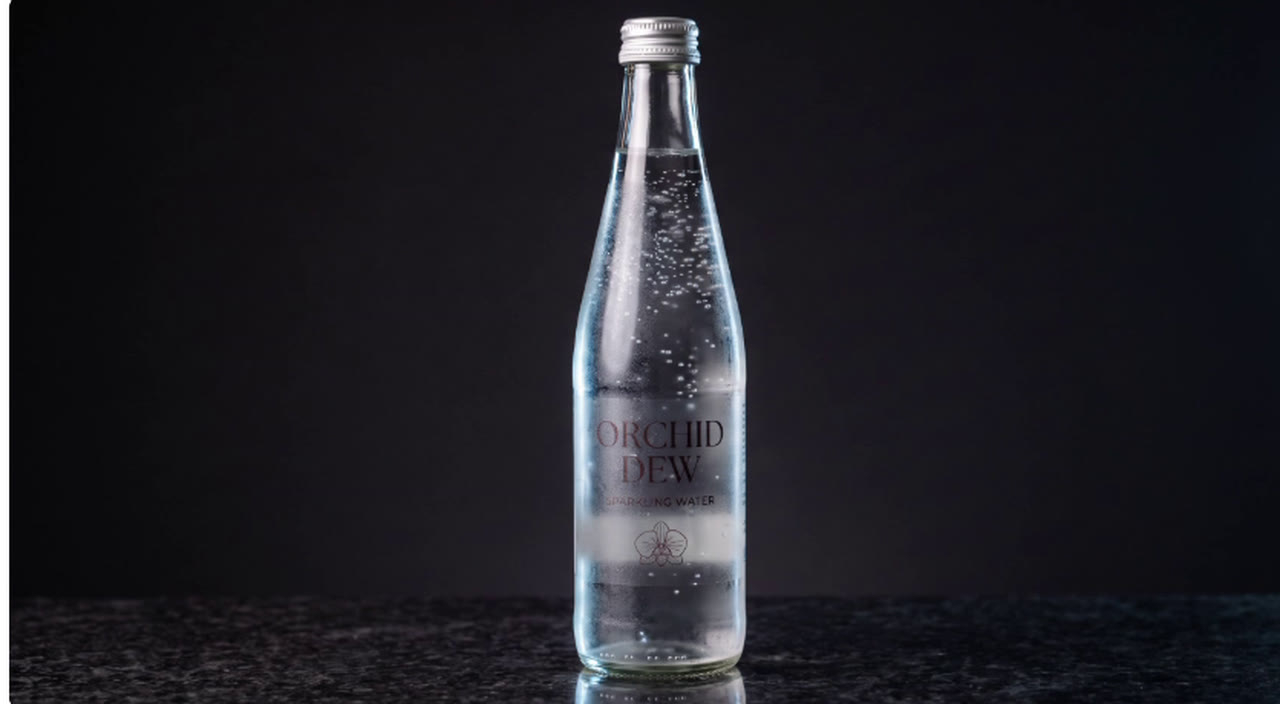
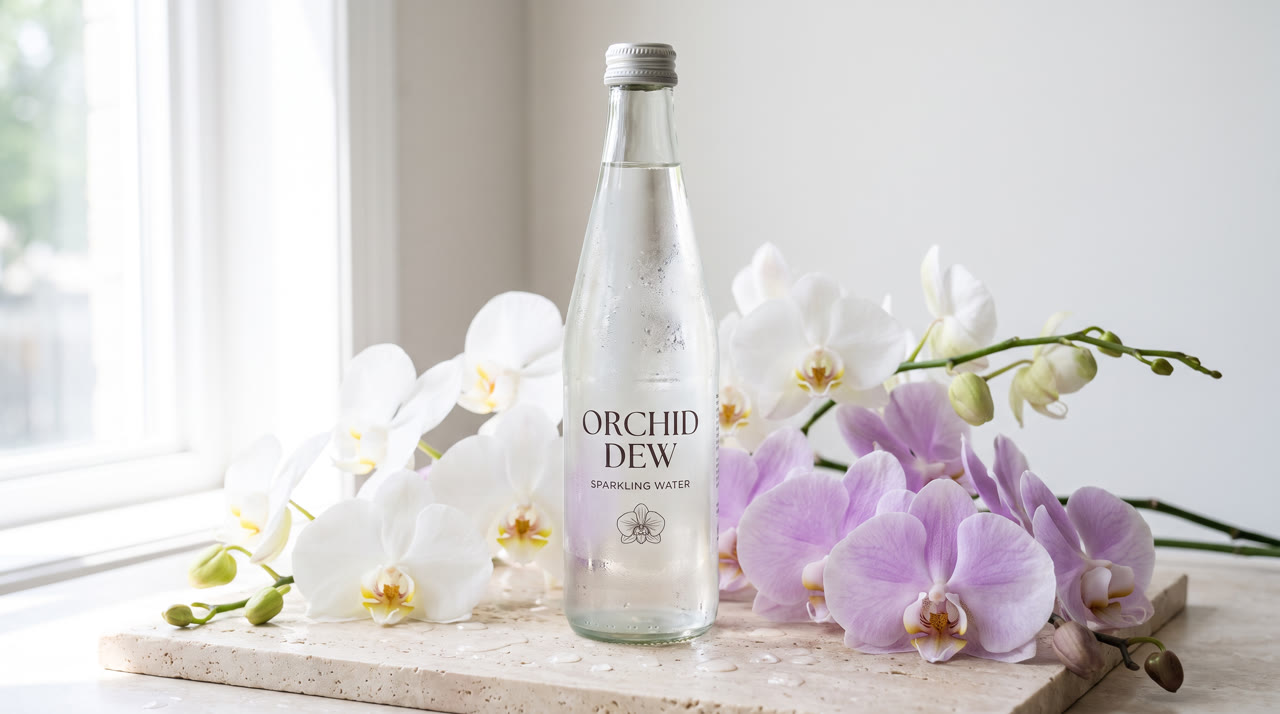
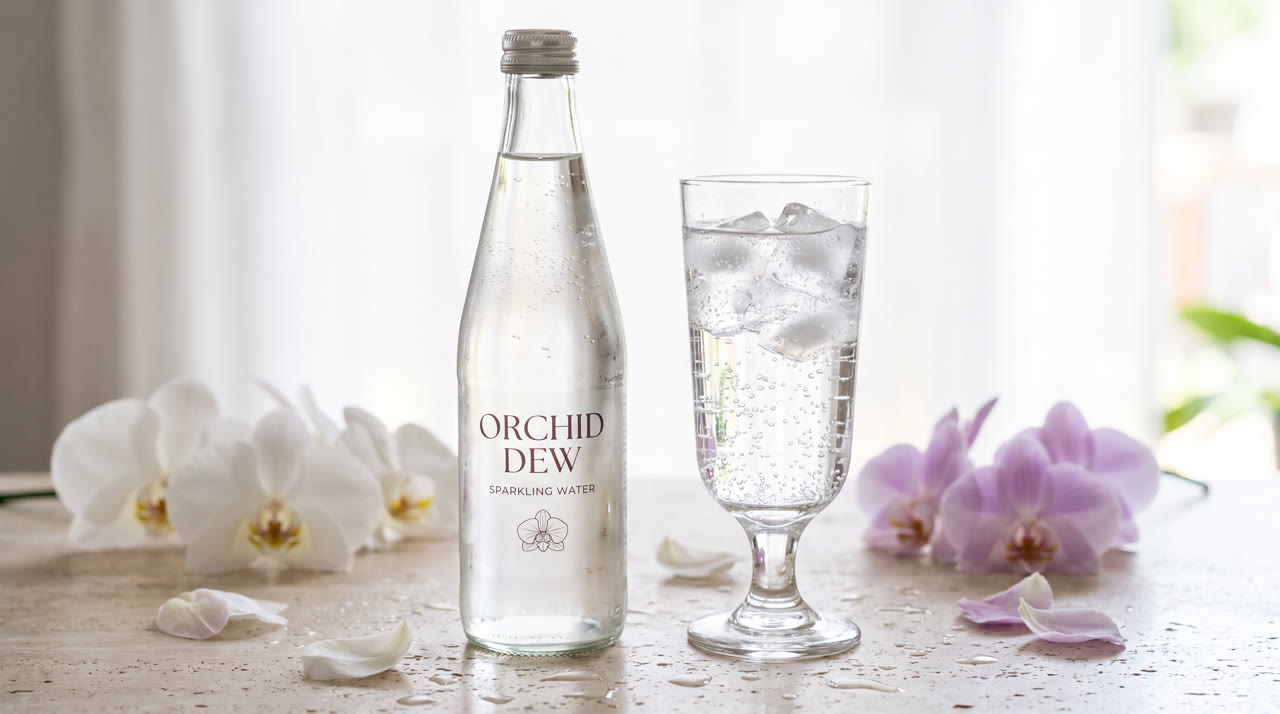
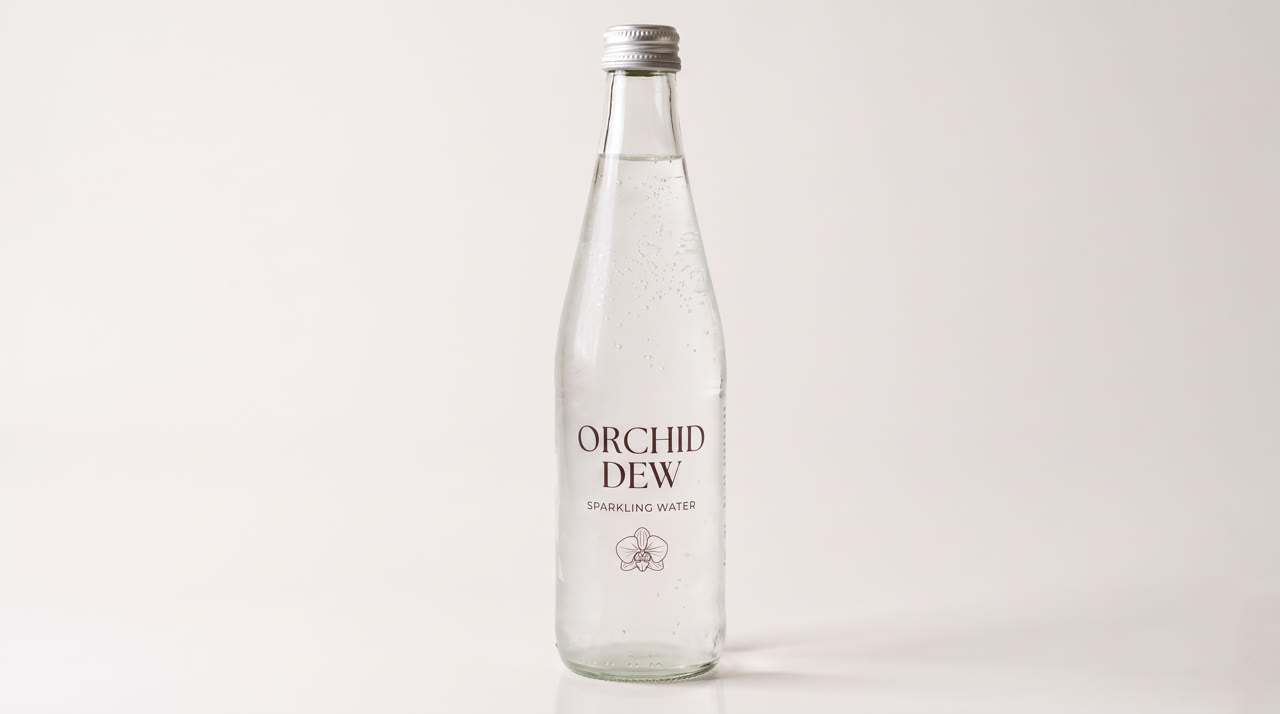
Claude checks your plan, then picks Veo 3.1 for hero shots and Kling O1 for transitions.
Every file is saved to a folder in your library. Press play for sound.
Every model on your plan, with its formats, durations and reference limits.
Exact credit cost before anything runs. Quotes are free.
Runs in the background and shows the result when ready.
Images and clips from the chat or your library keep characters and products consistent.
Results go to your library, filed into folders by project or campaign.
Claude and ChatGPT ask before every generation by default.
A Model Context Protocol server. Add its URL to Claude or ChatGPT and the assistant can list your models, quote costs, generate on your account and save results to your library.
Claude (web and desktop) and ChatGPT (developer mode). Any assistant that accepts remote MCP servers can use the same URL.
Claude: Free, Pro, Max, Team and Enterprise. ChatGPT: Plus, Pro, Business, Enterprise and Education, through developer mode. Business and Enterprise admins may need to allow developer mode first.
Yes, the same as generating on the web. Quotes are free and show the exact cost first.
In your Moonlite Labs library, in folders by project or campaign.
Yes. Models, credits and files follow your plan. Sign up for free.
No. Claude and ChatGPT ask for approval before each generation by default.
Check that Moonlite Labs is switched on in the + menu, that you are still signed in, and that the model you named is on your plan. Still stuck? Contact the Moonlite Labs team.
Full guide: Moonlite Labs in Claude and ChatGPT
No account yet? Sign up for free.
https://mcp.moonlitelabs.com/mcpVideos and images on this page are samples. Orchid Dew is a fictional brand. Claude and ChatGPT are trademarks of Anthropic and OpenAI; Moonlite Labs is not affiliated with either.